
Drone hits private courtyard in Poltava region: windows and power grid damaged
In Luben district, a drone attacked the territory of a private residence. Preliminary data indicates no casualties.
In Luben district, a drone attacked the territory of a private residence. Preliminary data indicates no casualties.

Information about the drone attack on the capital of the Republic of Bashkortostan emerged on 31 October 2026. Details of the incident are currently not disclosed.
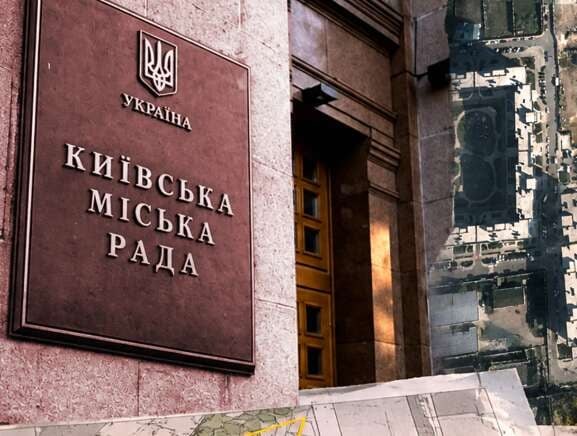
In the capital, attempts were made to illegally privatise plots near Zhuliany Airport and in Holosiivka by registering buildings that exist only on paper. Law enforcement and courts are actively unravelling this fraud network.
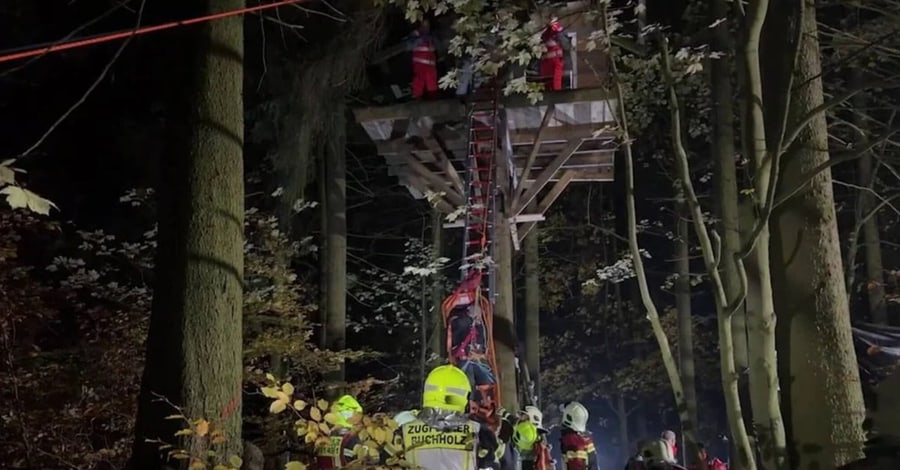
On the evening of 29 October, a large-scale evacuation operation took place near Zehmtal in the Ore Mountains, where a man could not descend from a height of 12 metres due to intoxication.
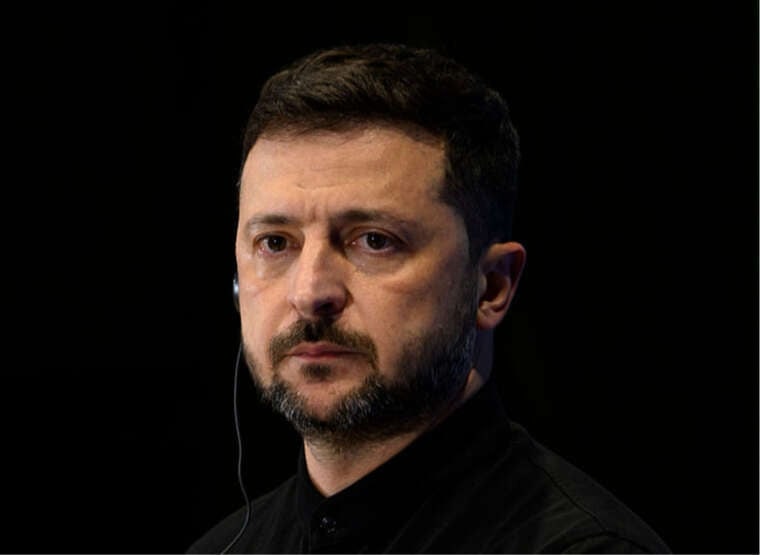
The President of Ukraine responded to a US State Department statement on air defence supplies, noting that a long wait is expected, and called on Washington to find a solution.

The US State Department approved the export of Patriot PAC-3 air defence missiles. Journalist Alex Raufoglu noted that new systems will reach Ukraine only after 2030.

A conflict over the status of tribunal members arose during the president's visit to the court building, accompanied by accusations of an attempted coup d'état.

The singer from Donbas, who continues to perform in Russian in Kyiv, stated that wars are started not only by presidents but also by people who create favourable conditions for them.
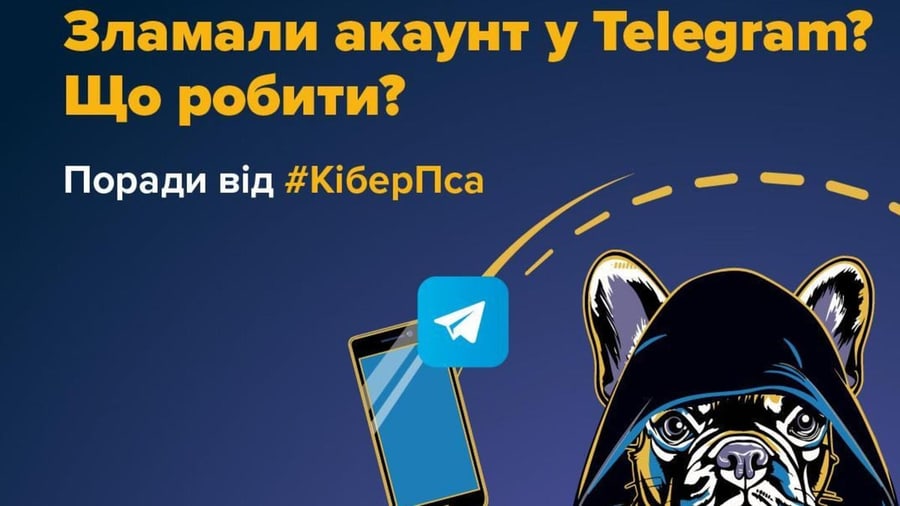
The Cyberpolice of Ukraine has published a step-by-step algorithm for protecting a Telegram account. These recommendations are relevant if you have noticed a loss of access to the messenger, unknown sessions, or messages you did not send. Such signs may indicate that the account has been taken over by fraudsters who use other people's profiles to defraud people of money, spread dangerous links, and obtain personal data.
Fraudsters may disguise themselves as official chatbots or the Telegram support service. They create phishing pages through which they attempt to obtain a phone number, authorisation code, and other login data. After taking over the profile, criminals write to your acquaintances, ask to borrow money, and send malicious files. Information from correspondence is also at risk, as it becomes accessible to third parties.
The first step is to check active sessions. Open the "Settings" → "Devices" section and terminate unknown connections. You can use the option to terminate all other sessions at once.
Next, you need to set up two-step verification. Set a separate, strong password and add a secure email address for its recovery. Ensure that the specified address belongs to you. This additional password makes it harder for third parties to log in, even if a criminal has the authorisation code.
Try to authorise through the official application using a phone number that you control. If the service has imposed a limit on repeated attempts, wait until the specified period ends.
Also, contact official Telegram support. Describe the problem and specify the phone number associated with the account in international format. The appeal does not guarantee immediate restoration of access.
Warn your acquaintances through other communication channels: messages in your name may be sent by third parties. Ask them not to transfer money, not to open files, and not to click on suspicious links.
If passwords were stored in chats, change them in the respective services. Ask your correspondents to delete sensitive messages for both parties, but note: this will not destroy copies that criminals may have saved earlier.
Deleting an account is an irreversible step, not a universal way to recover it. According to Telegram's rules, the standard procedure requires confirmation through the account. Moreover, deleting a profile does not automatically remove all copies of messages in correspondents' devices.
You can report fraud through the cyberpolice form. More recommendations on protection against scams are available on the website of the "FraudGoodbye" campaign.
Previously, cases were recorded where fraudsters hacked Telegram using a bait in the form of a request to vote for a child. Messages asking to support a contest participant led to a dangerous link. There is also a known scheme involving fake promo codes for free fuel: on fake pages, users were asked to enter a phone number and confirmation code, after which criminals gained access to the profile.
Comments
No comments yet. Be the first!