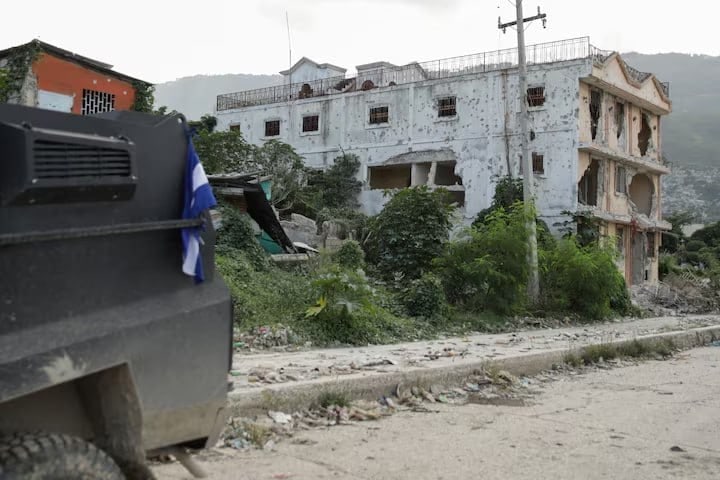
UN Security Council approves creation of international contingent to combat banditry in Haiti
The UN Security Council has decided to form a 5,500-strong force to suppress the wave of violence in Haiti over the next year.
The UN Security Council has decided to form a 5,500-strong force to suppress the wave of violence in Haiti over the next year.
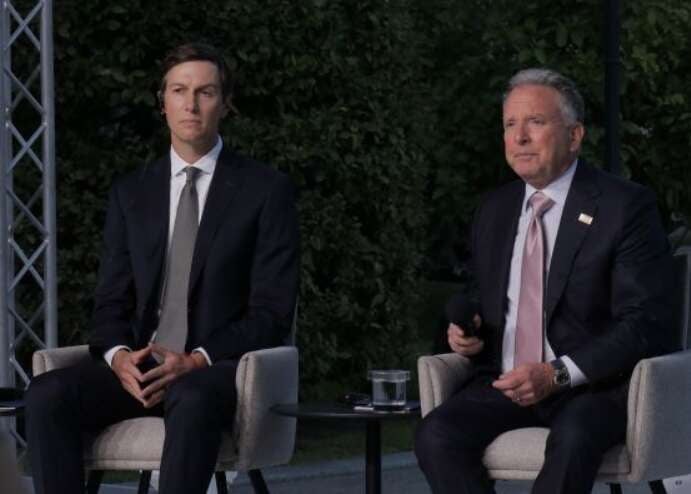
Washington special envoys Steve Witkoff and Jared Kushner will hold consultations with European and Ukrainian partners on 19 November regarding the prevention of new Russian attacks.
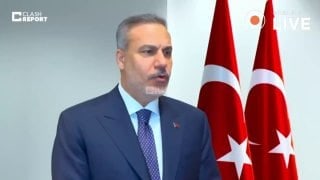
Turkish Foreign Minister explained that the conflict is not ending due to Moscow's insistence on gaining control over the remaining 11-18% of the region.
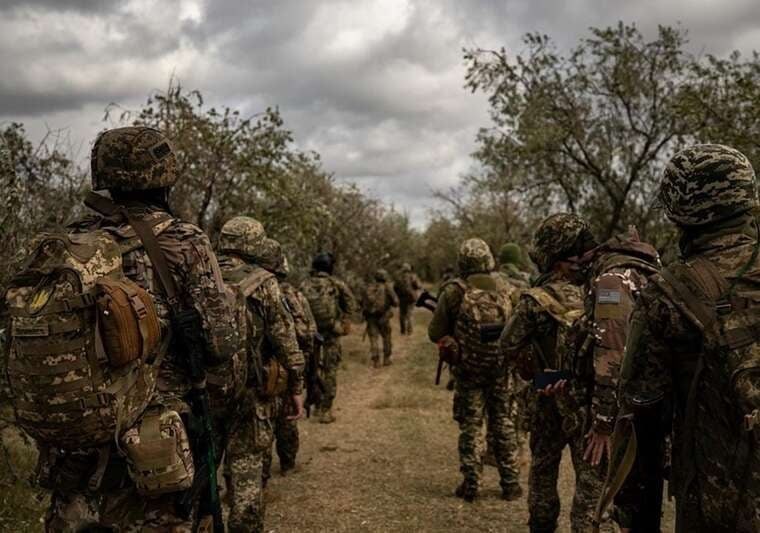
Over the past 24 hours, the enemy lost 1,620 personnel and over 500 units of motor vehicle equipment. The total number of Russian soldiers destroyed since the start of the invasion is approaching 1.63 million.

Following a Russian military missile strike in the night leading into 17 November, traffic was temporarily suspended on the Northern and Southern bridges in the capital.
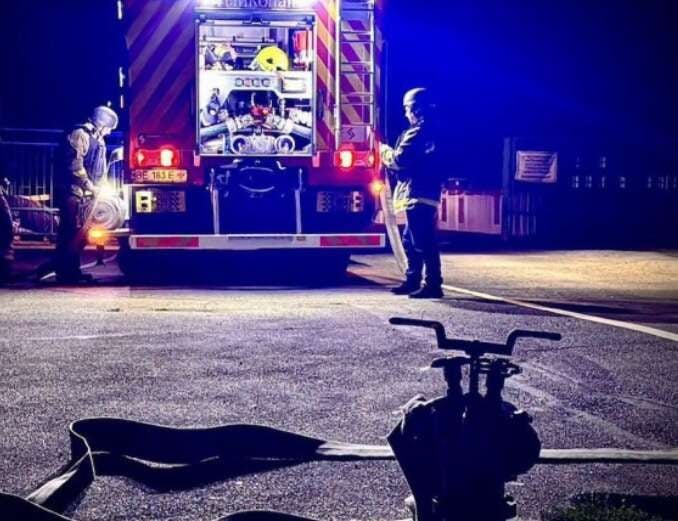
Russian forces shelled Mykolaiv and the region with "Banderol" missiles and UAVs yesterday, resulting in the deaths of two men and injuries to three others.
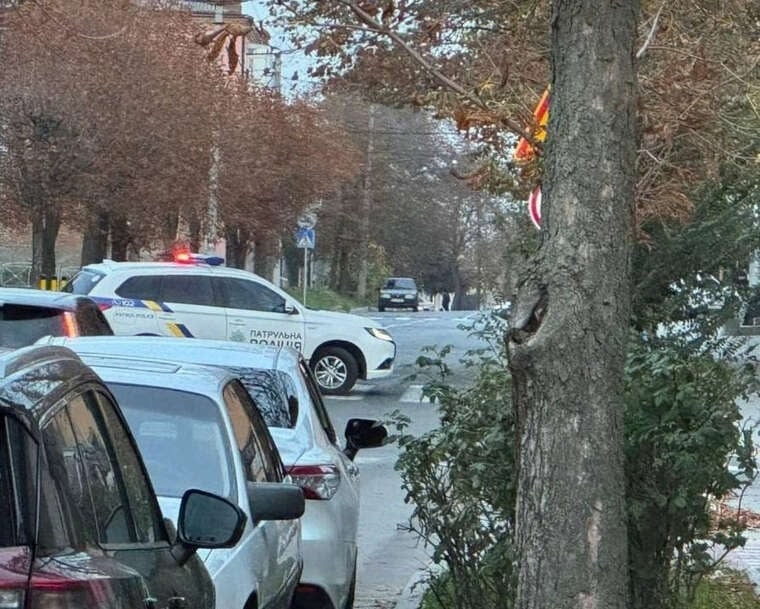
Explosions were heard overnight in the Russian city of Kursk, leading to a fire at a 330 kV electrical substation.
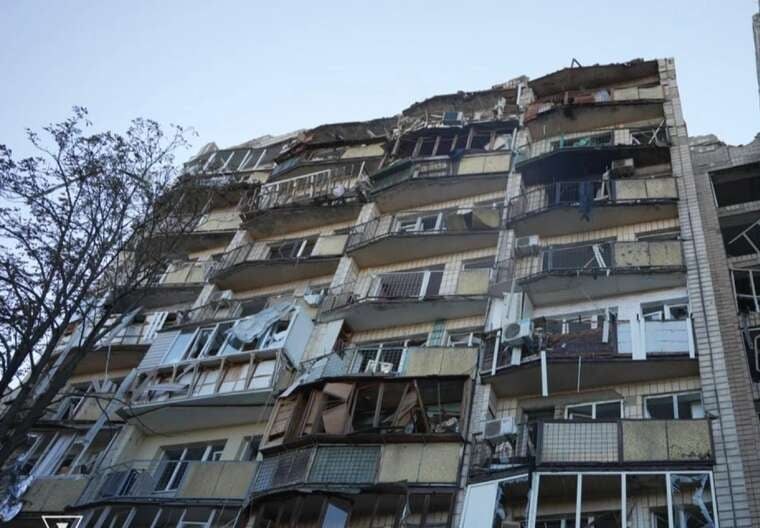
Kyiv City Military Administration reported damage to residential and non-residential facilities following a strike by the Russian Federation.
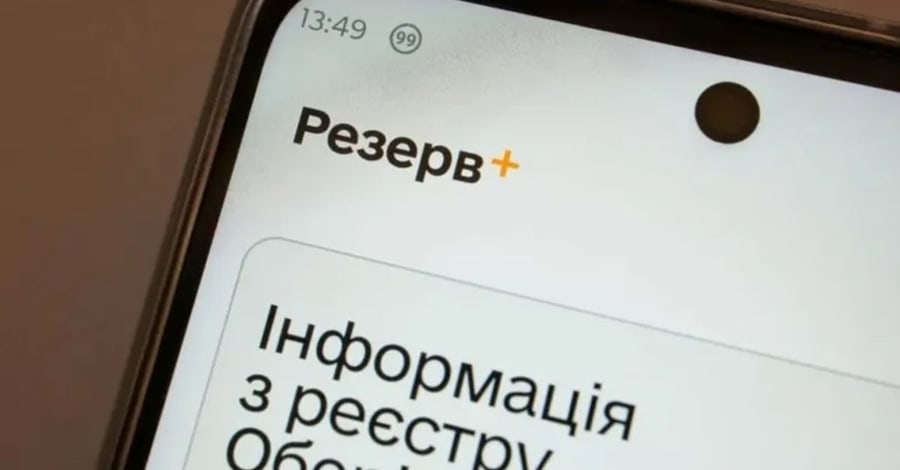
Switching mobile operators or purchasing a new SIM card often carries the risk of losing access to key state services. For civilian citizens, this may mean problems with receiving services via "Diia", while for servicemen it can also complicate the submission of electronic reports. To avoid such situations, it is necessary to update contact details in the relevant registries in a timely manner. This was reported by the Sumy Territorial Centre for Mobilisation and Social Protection.
The main obstacle after changing the number is authorisation in applications. Most state services, including "Diia", use BankID for identity verification. Therefore, the priority task is to change the phone number at your bank. This can be done in three ways:
If this stage is missed, you will not receive the SMS with the confirmation code, which will block access to other services. It is worth noting that after replacing the SIM card, re-registration in "Diia" is not required; it is sufficient for the bank number to be current for successful authorisation.
Further actions depend on your status. If you are a conscript, reservist, or person liable for military service, current legislation provides exactly seven days to notify the state of a change in contact details. This information is stored in the "Obereg" registry.
To quickly update the data, follow these steps:
Active servicemen should not use civilian applications to change contacts. In such cases, it is necessary to personally contact the personnel department or the military unit of your subunit.
Access to the "Army+" application for submitting electronic reports is also provided through BankID or the state identification system. If you have already updated the number at the bank, login problems usually do not arise. However, the system may sometimes block access due to discrepancies in military databases. The Ministry of Defence advises contacting the military unit in such cases, where specialists will help correct errors in the registries through official service channels.
Do not rely on automatic updating of contacts in all systems. It is recommended to ensure that the new number works in all necessary services to avoid losing access to important documents at a critical moment. It is worth checking:
Comments
No comments yet. Be the first!