
Timur's special unit receives batch of vehicles from 'Ukrainian Team'
Reconnaissance officers of Timur's special unit received new vehicles from 'Ukrainian Team'. The equipment will help them carry out combat missions in the Zaporizhzhia direction.
Reconnaissance officers of Timur's special unit received new vehicles from 'Ukrainian Team'. The equipment will help them carry out combat missions in the Zaporizhzhia direction.
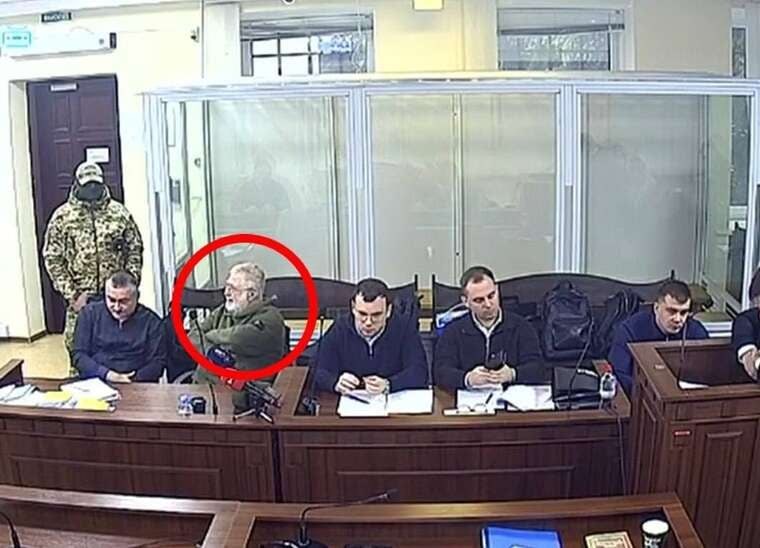
Court upheld proceedings over misappropriation of 9.2 billion UAH from PrivatBank, rejecting defence arguments regarding investigation deadlines.

The macOS beta version of the messenger has received a tool to protect dialogues with a password, which removes them from lists and notifications.
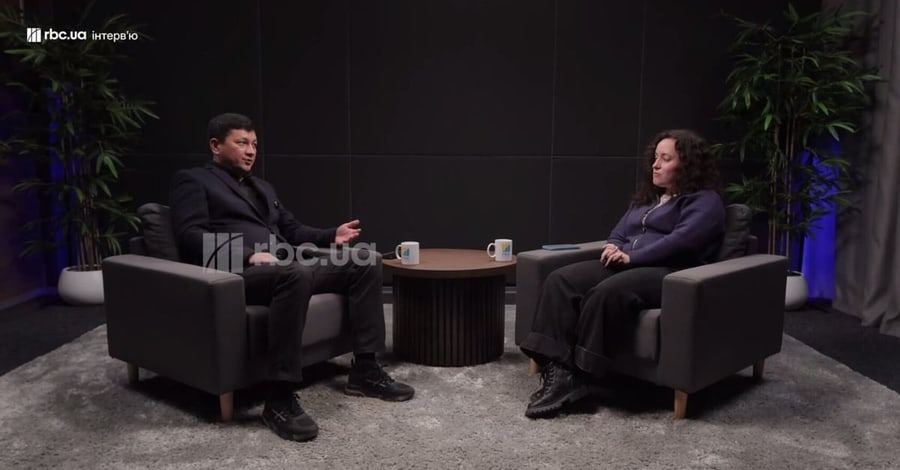
The "European Solidarity" faction has initiated the procedure to dismiss Vitaliy Kim from his post as head of the Ministry of Veterans. The cause was his remarks on the risk of criminalisation of military personnel after the end of hostilities.

The director and deputy of the municipal enterprise demanded significant sums from entrepreneurs for signing contracts to hold events on the park's territory.

A Kyiv court found the sender guilty of concealing a commercial batch of folding knives as a single cheap item and seized the property for the state.
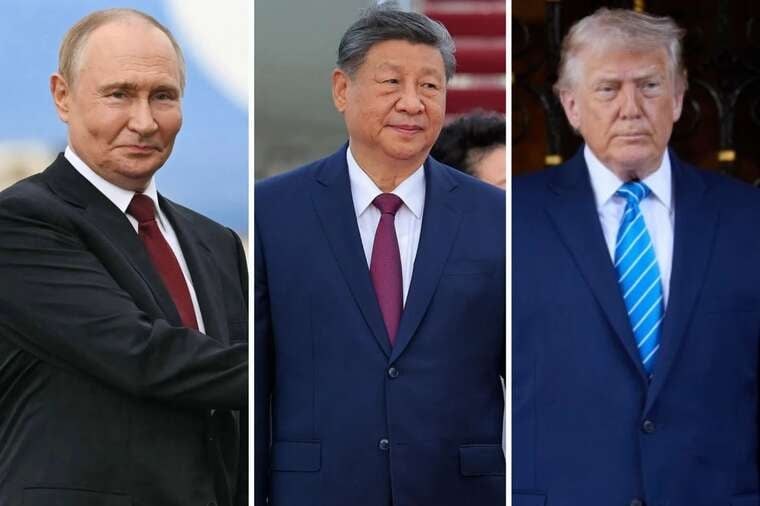
Russian President's Press Secretary Dmitry Peskov stated that Donald Trump's visit to China involves discussions on the situation in Ukraine and Iran.

Players in New Zealand have already gained access to the new installment in the series. The Ukrainian audience will be able to launch the game on 19 November at 00:00 Kyiv time.
Telegram developers are actively testing the "Hidden Chats" tool in the beta version of the application for macOS. This option allows users to protect selected conversations and channels using an individual secret phrase.
To enter hidden chats mode, it is necessary to enter the specified secret phrase into the messenger's search bar. After this, a separate interface opens where you can manage which specific dialogues should be unavailable for general viewing.
The feature can be activated via the "Settings" menu in the "Privacy and Security" section. To create protection, a password of at least eight characters in Latin script must be set. For further access to hidden dialogues, the password must be entered twice in the search field.
Chats marked as hidden completely disappear from the main dialogue list, folders, search results, and the notification list. They also do not affect the unread message counter displayed on the application icon.
An important feature is the automatic rejection of incoming calls from hidden chats. The exception is the situation where the user is currently in hidden chats viewing mode.
The system allows creating several different secret phrases. Each of them opens its own, isolated set of hidden chats.
The secret phrase is not stored anywhere, so in the event of its loss, it will be impossible to restore access to hidden chats.
Comments
No comments yet. Be the first!